
WizloAll Collections

How do I handle lab orders?

To find existing lab orders: go to /management/orders and open the "Order type" dropdown filter, then pick "Lab" (sets ?itemType=lab).

Step 1: To find existing lab orders: go to /management/orders and open the "Order type" dropdown filter, then pick "Lab" (sets ?itemType=lab).

How do I handle lab orders? — Step 1: To find existing lab orders: go to /management/orders and open the "Order type" dropdown filter, then pick "Lab" (sets ?itemType=lab).

Step 2: Choosing "Lab" filters the list to lab-type orders and adds ?itemType=lab to the URL.
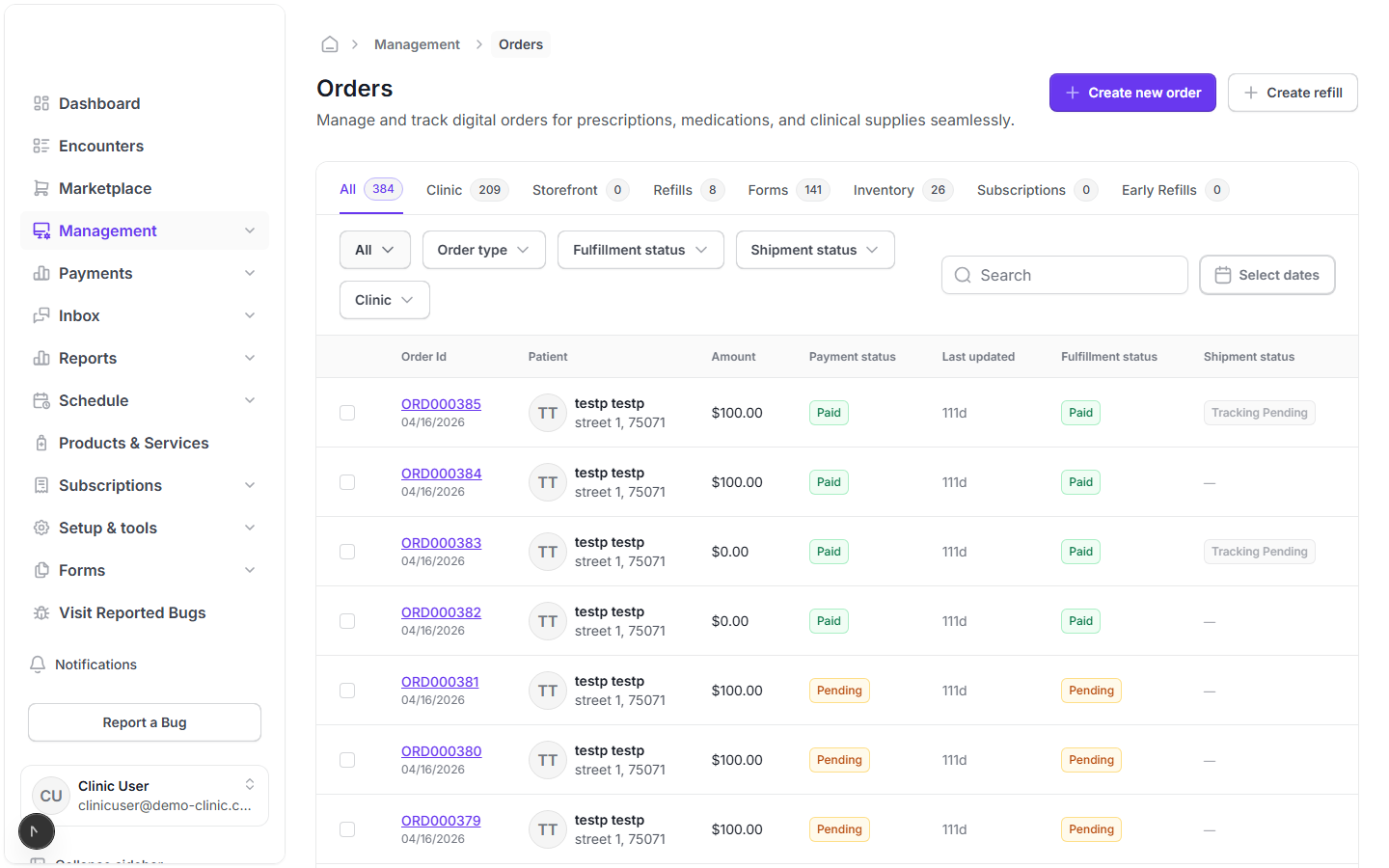
How do I handle lab orders? — Step 2: Choosing "Lab" filters the list to lab-type orders and adds ?itemType=lab to the URL.

Step 3: To place a new lab order: go to /management/orders/create, select a patient/clinic, and add a lab-type product (the form prevents mixing lab and non-lab products in the same order).
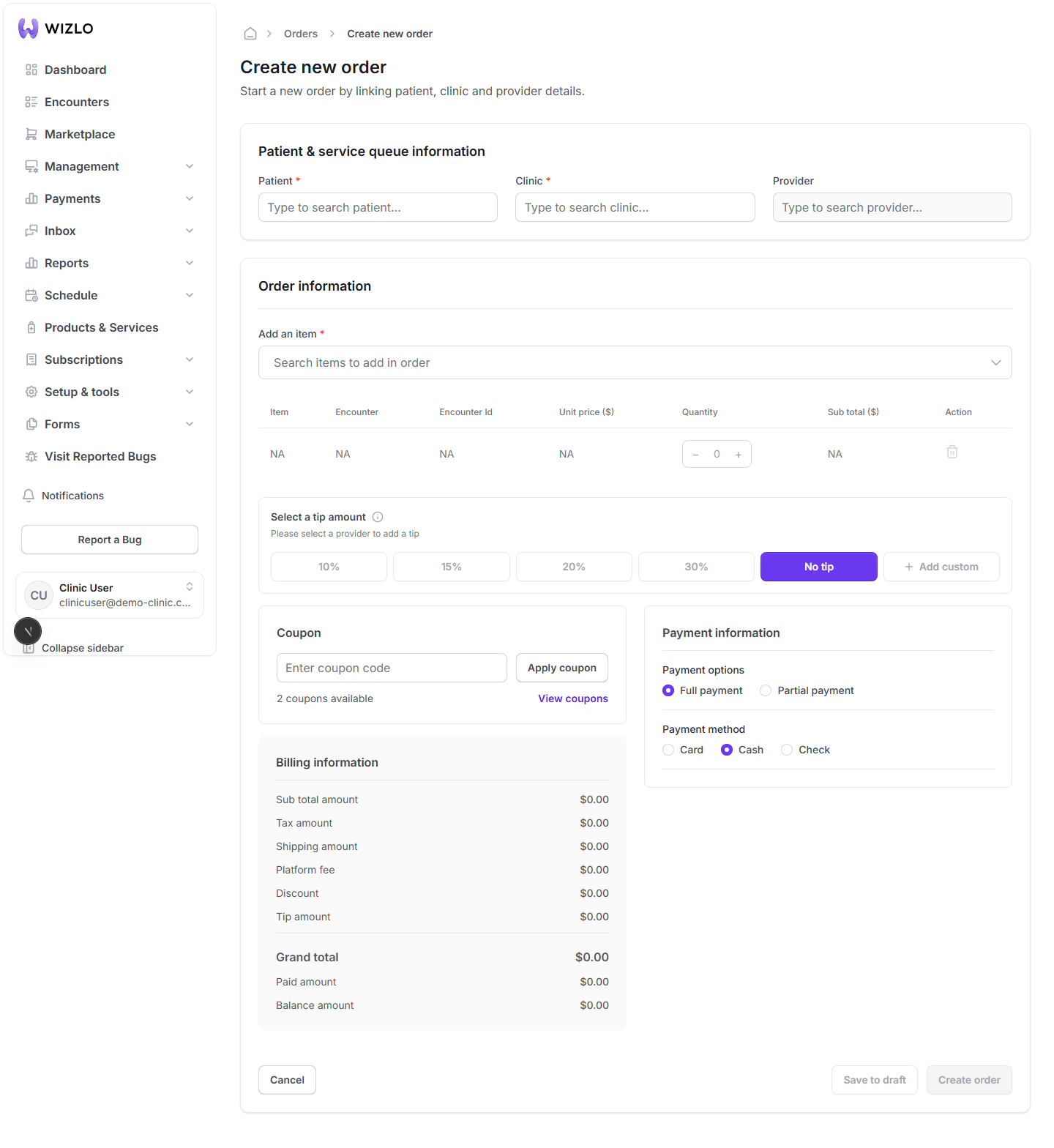
How do I handle lab orders? — Step 3: To place a new lab order: go to /management/orders/create, select a patient/clinic, and add a lab-type product (the form prevents mixing lab and non-lab products in the same order).

Step 4: Clicking "Create order" (or "Save as draft") on an order containing a lab product opens a "Choose order method" modal instead of submitting immediately. In it, pick "At-home kit" or "Patient service center" (radio buttons); for at-home kit it also shows the clinic's available unassigned kit inventory count. Clicking "Confirm" proceeds — choosing 'Patient service center' opens a second "Schedule PSC" modal to pick an appointment date/time; choosing 'At-home kit' proceeds to submit the order. This is not triggered here (it requires an actual lab product added to the order first, and clicking through would submit a real order) — stop before the final Confirm/Schedule action to keep this non-destructive.

Step 5: On an existing pharmacy order that still needs a companion lab order, open /management/orders/{id} — if it requires a linked lab test and none exists yet, an amber banner reads "This order requires a lab order to be linked before it can be processed..." with a "Create Lab Order" button that navigates to the create page pre-filled for that patient/clinic/order group. If a lab order's payment succeeded but placement with the lab partner (Junction) failed, the order header shows a red banner "Lab order placement failed" and a "Resend" link/button next to the order status badge to retry sending it.
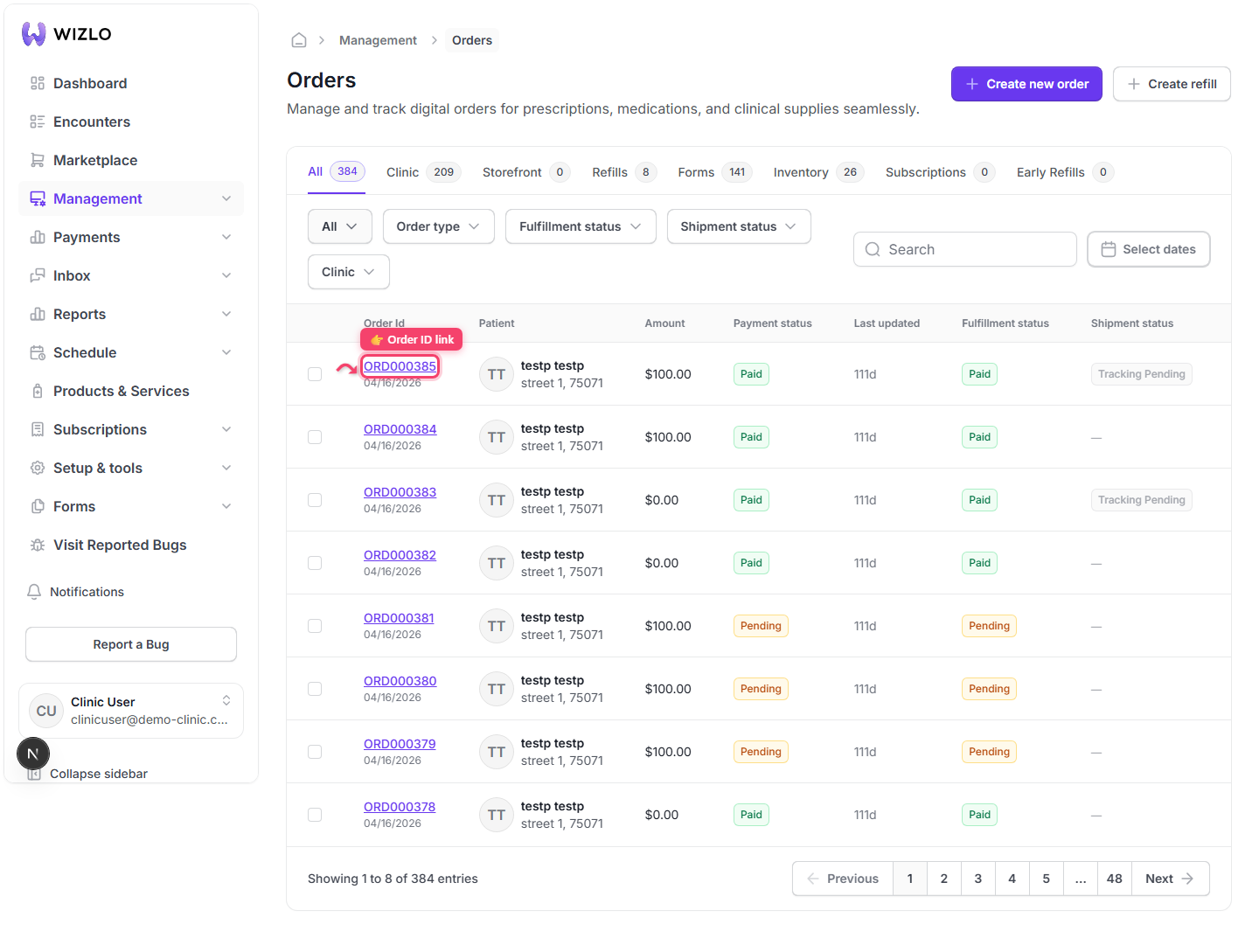
How do I handle lab orders? — Step 5: On an existing pharmacy order that still needs a companion lab order, open /management/orders/{id} — if it requires a linked lab test and none exists yet, an amber banner reads "This order requires a lab order to be linked before it can be processed..." with a "Create Lab Order" button that navigates to the create page pre-filled for that patient/clinic/order group. If a lab order's payment succeeded but placement with the lab partner (Junction) failed, the order header shows a red banner "Lab order placement failed" and a "Resend" link/button next to the order status badge to retry sending it.
How do I handle lab orders? · Wizlo Help