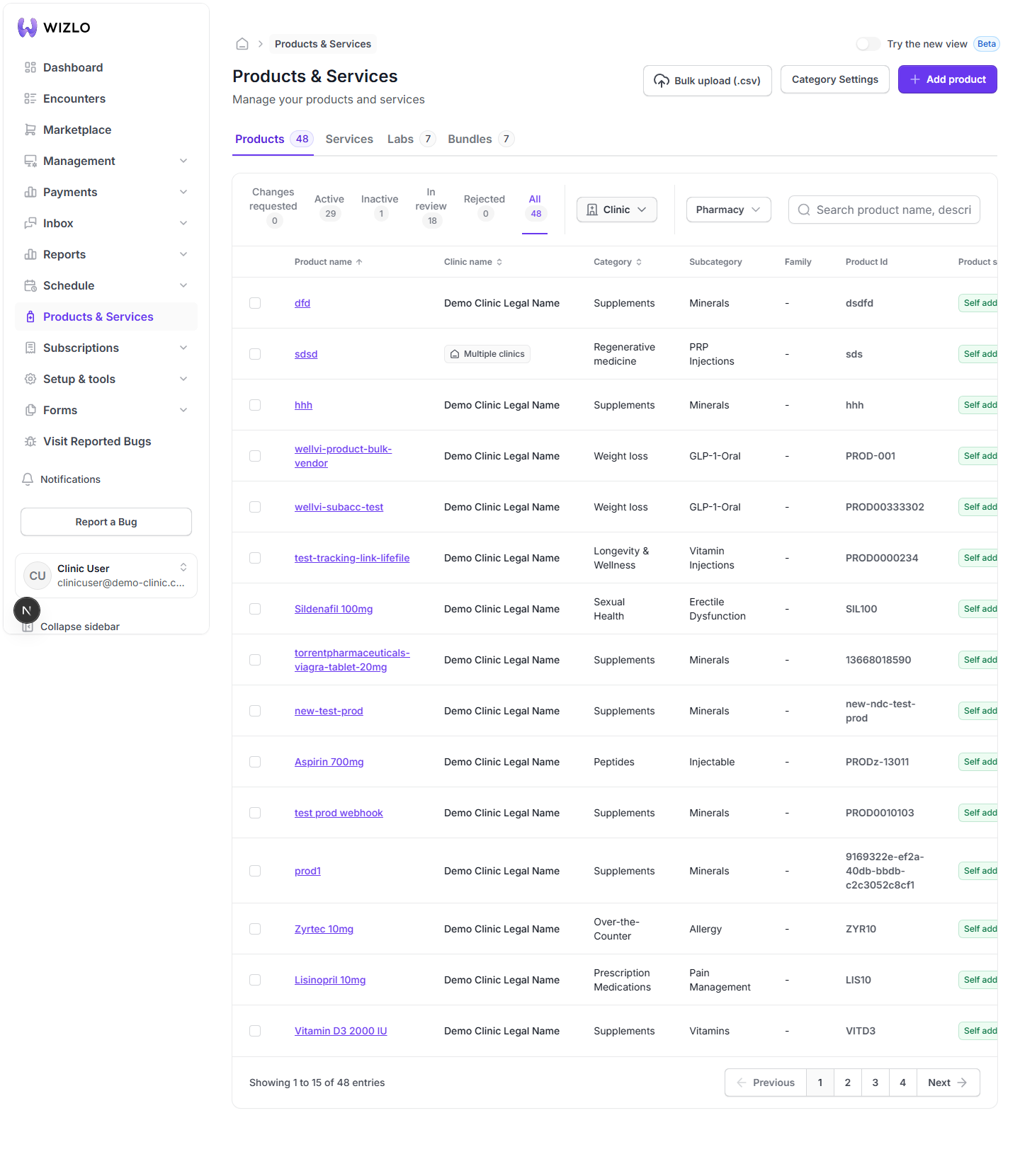
How do I sort the product, service, or Bundle list by a column?
Sortable column headers show sort arrows — Products: Product name, Clinic name, Category, Product Price; Services: Clinic name, Service, Category, Price, Created date; Labs: Test name, Kit ID, Sample, Method, Price; Bundles: Bundle name, Price.
Step 1: Sortable column headers show sort arrows — Products: Product name, Clinic name, Category, Product Price; Services: Clinic name, Service, Category, Price, Created date; Labs: Test name, Kit ID, Sample, Method, Price; Bundles: Bundle name, Price.
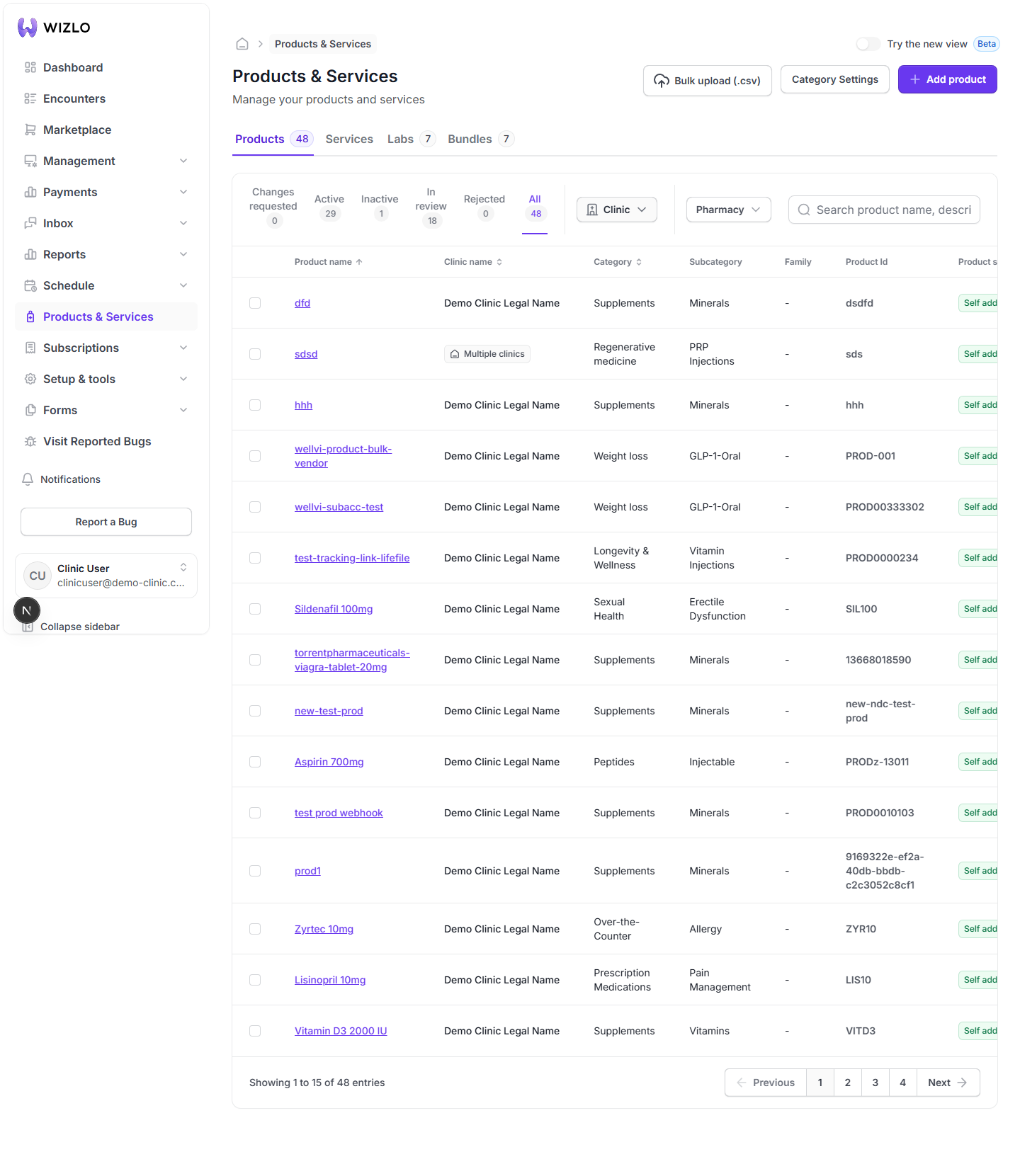
Step 2: Click a column title to sort ascending; click again to reverse to descending. Sort order is local page state only — it is not written to the URL, so a reload or tab switch resets it to Product name, ascending.