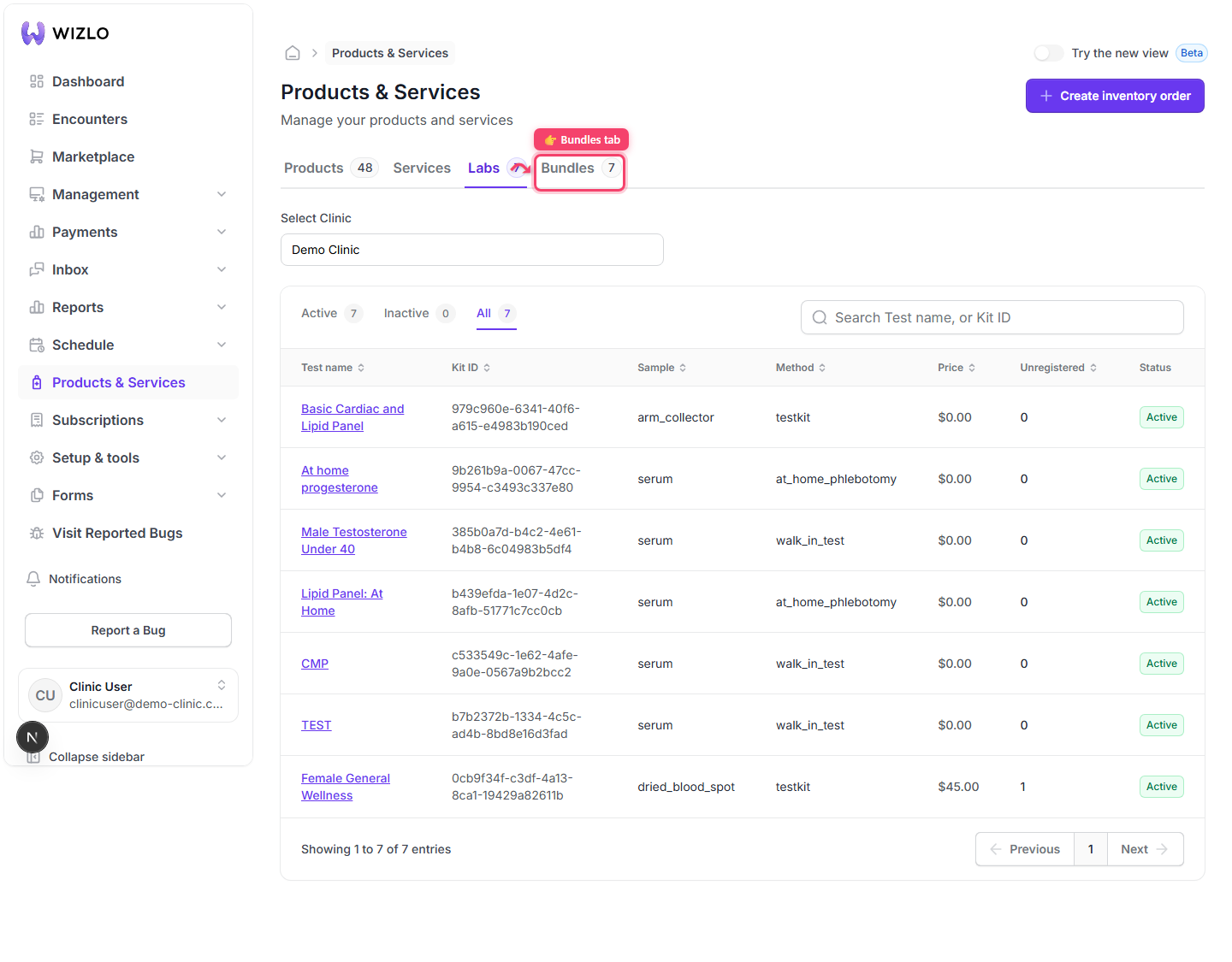
How do I switch between the Products, Services, Labs, and Bundles tabs?
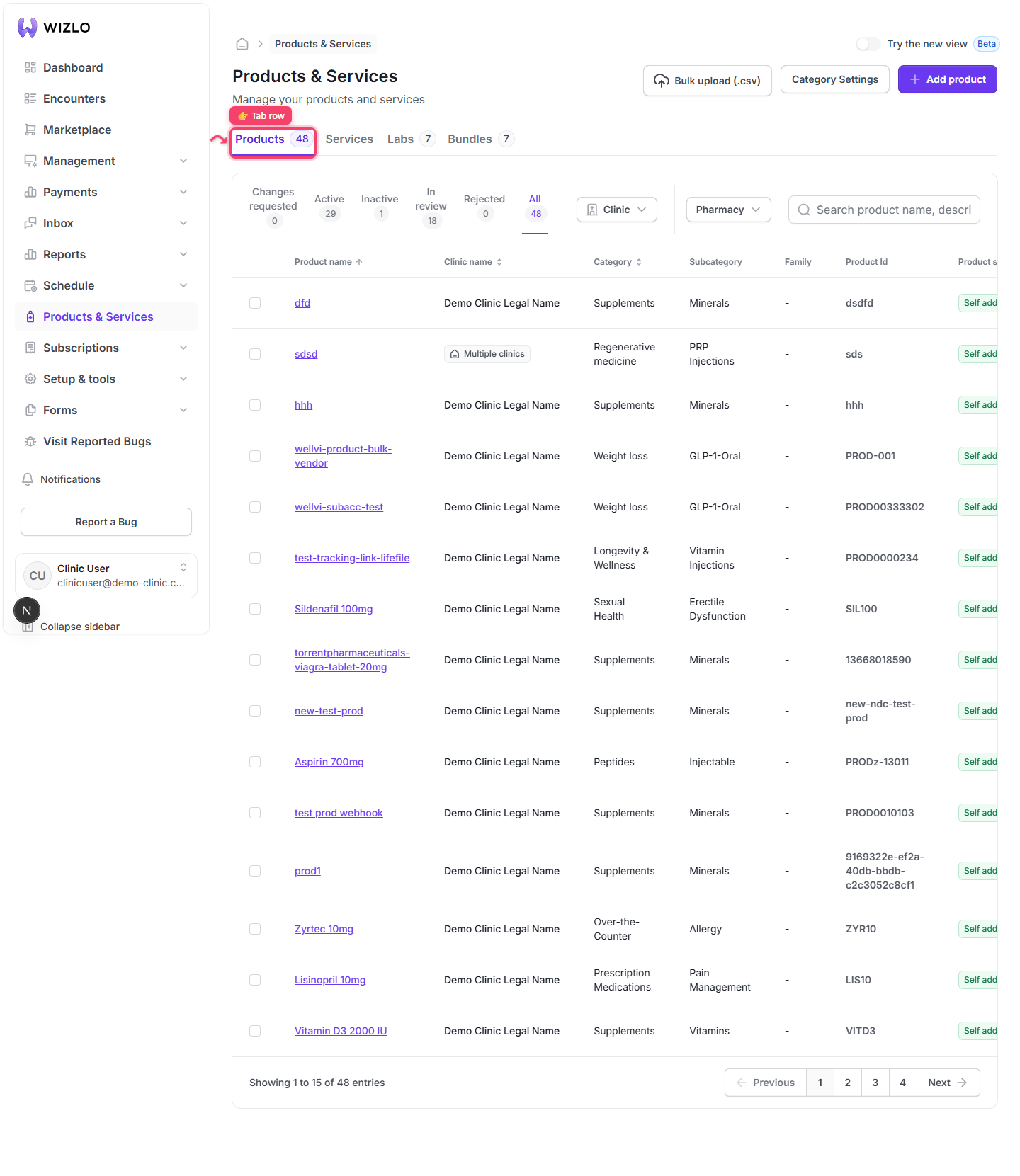
Products & Services opens on the Products tab by default — no ?tab= param at all.
Step 1: Products & Services opens on the Products tab by default — no ?tab= param at all.
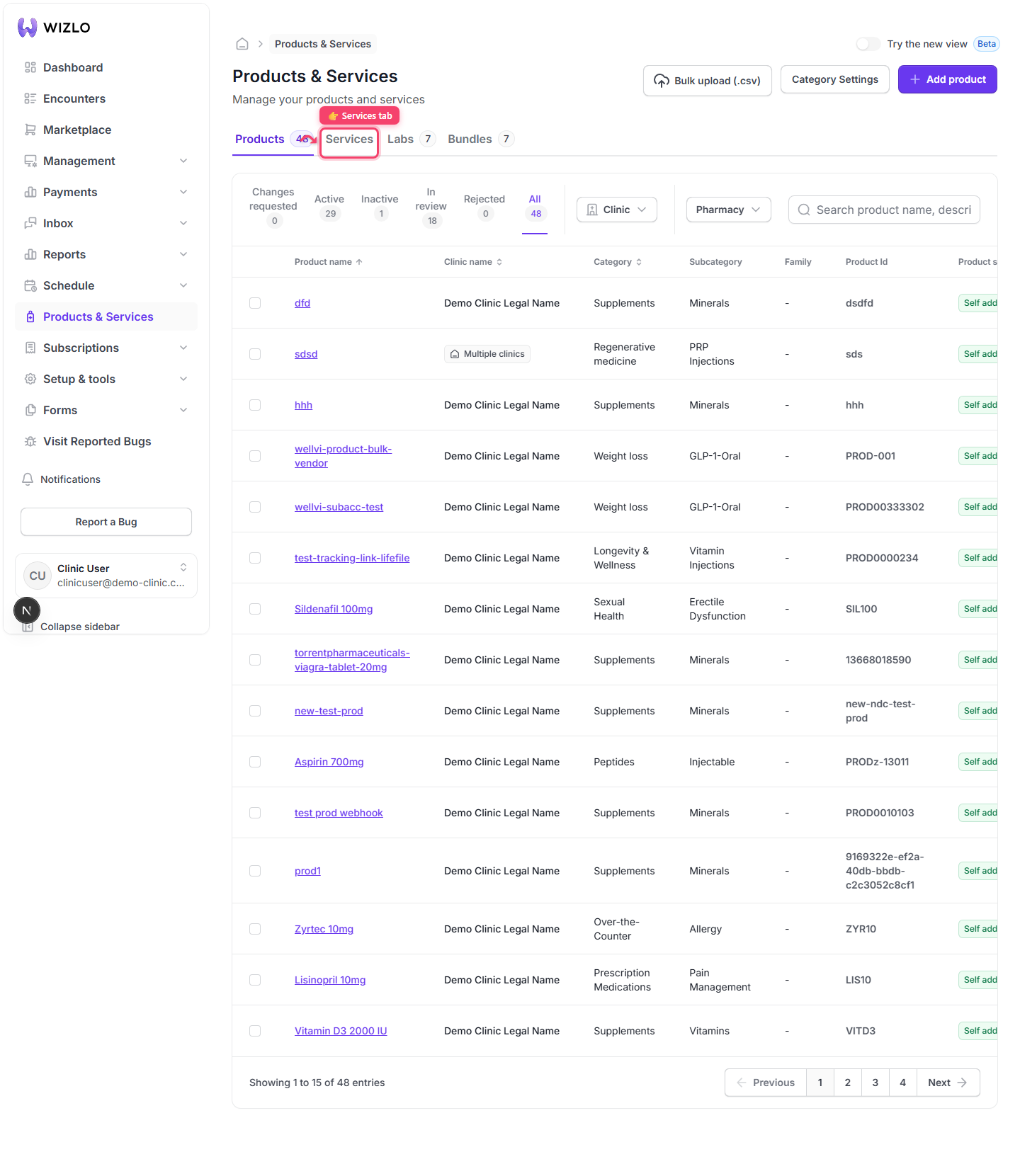
Step 2: Click Services — the tab turns purple/underlined and the URL gains ?tab=services; search and page reset.
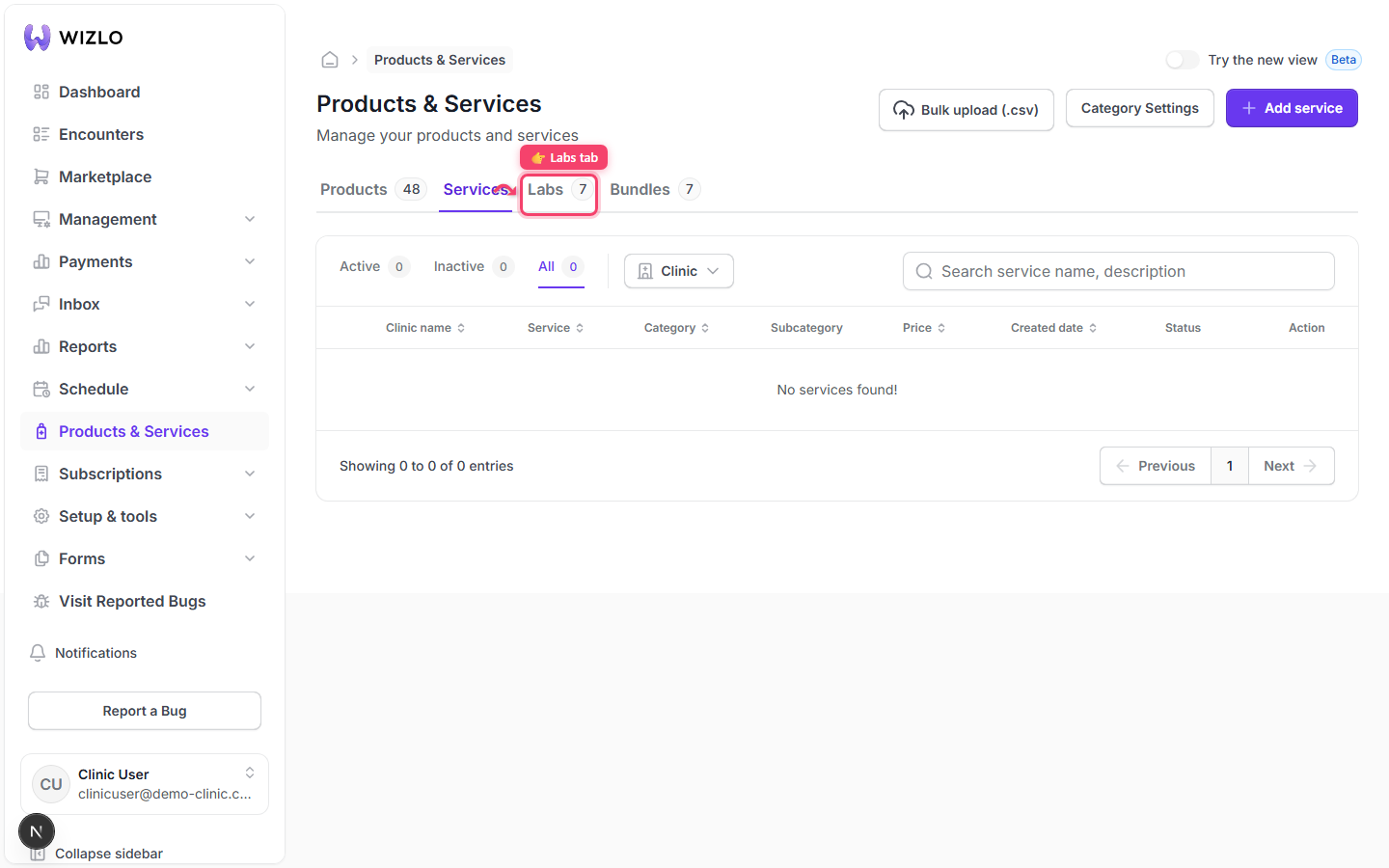
Step 3: Click Labs — the URL becomes ?tab=labs.
Step 4: Click Bundles — the URL becomes ?tab=Bundles. Bundles is hidden on the Super Admin console view and for Provider Network tenants.