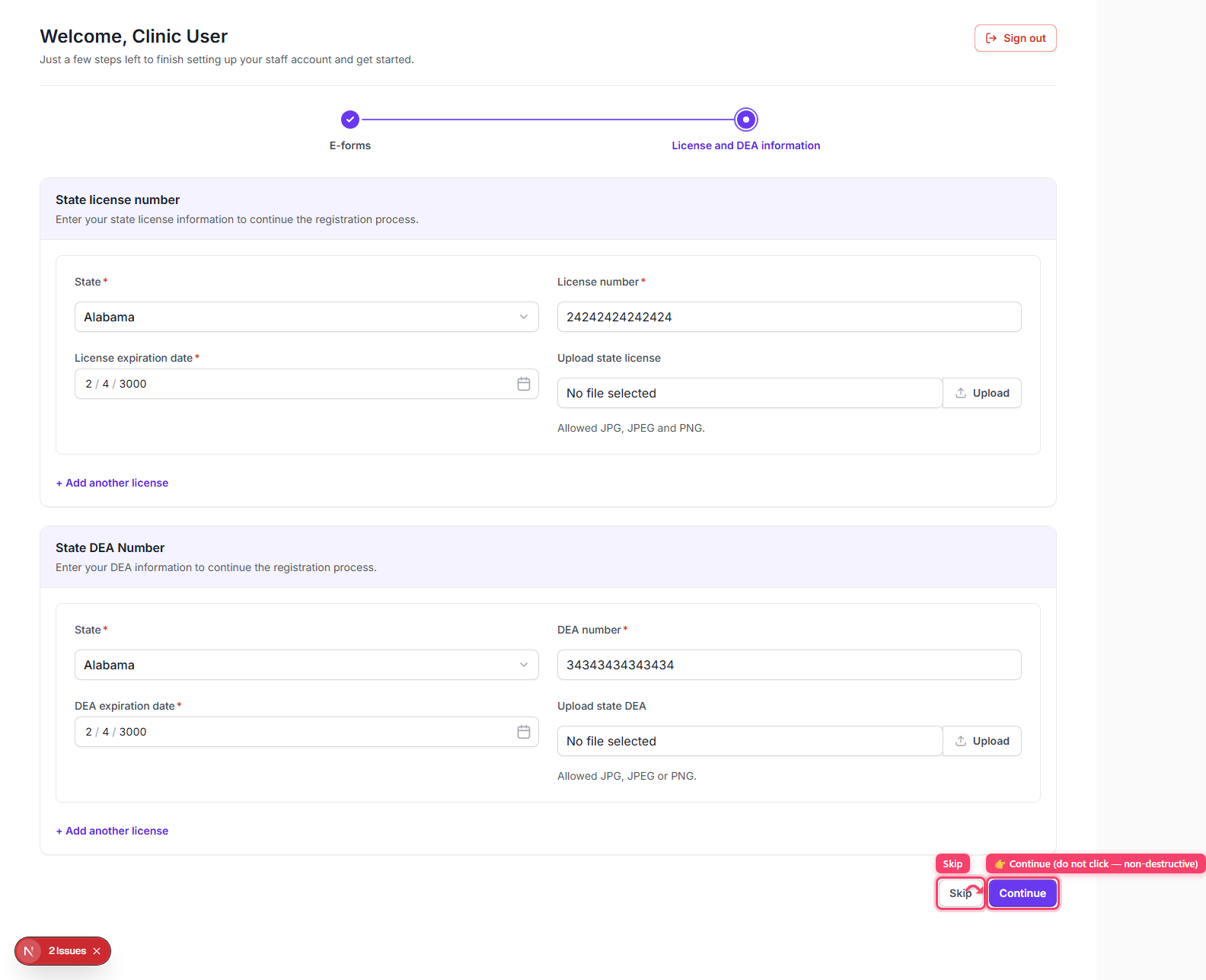
What is the License & DEA step and why don't I see it?
What is the License & DEA step and why don't I see it?
Step 1: This step exists only in the onboarding sequence, and only for accounts whose JWT/userType is 'clinical' — the onboarding layout builds its step list from `isClinical ? ['e-form-agreements','license-dea'] : ['e-form-agreements']`, and the same check drives whether the 'License and DEA information' item even appears in the onboarding timeline.
Step 2: If your userType is non-clinical, the app skips this screen entirely: after signing e-form agreements you're sent straight to /dashboard — there is no toggle or setting you can flip yourself to reveal it; it's controlled by the userType assigned to your account by whoever invited you.
Step 3: On the screen itself (when it does appear), you add one or more 'State license' entries (State dropdown, License number, Upload state license file) and one or more 'State DEA' entries (State dropdown, DEA number, Upload state DEA file); there's a remove control on any entry after the first.
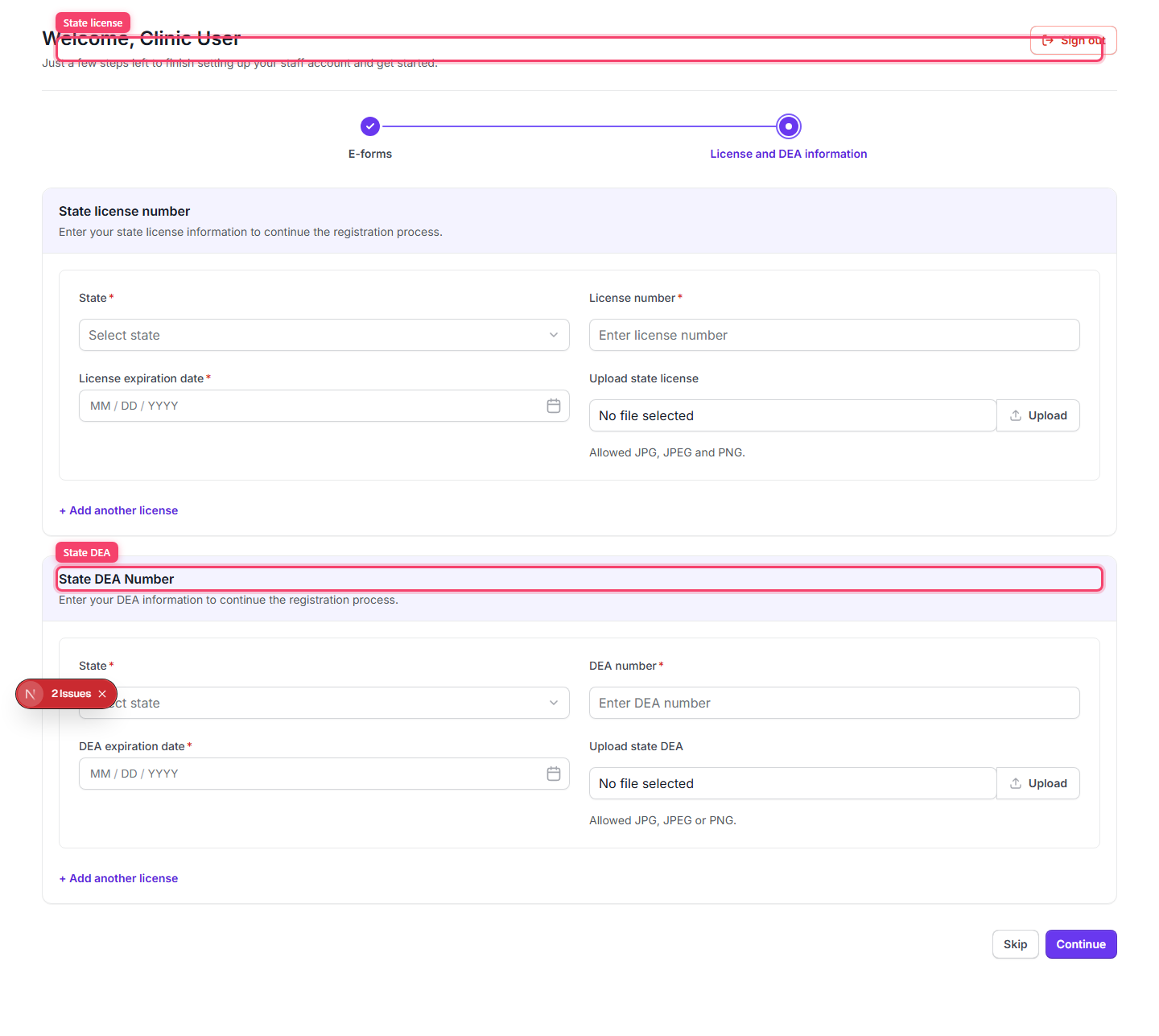
Step 4: Click 'Continue' to submit and finish, or 'Skip' to defer and go straight to /dashboard. Continue triggers a 'Staff onboarding completed successfully.' success modal, closing which lands you on /dashboard.