Why must I sign agreements (BAA, confidentiality) before starting?
Why must I sign agreements (BAA, confidentiality) before starting?
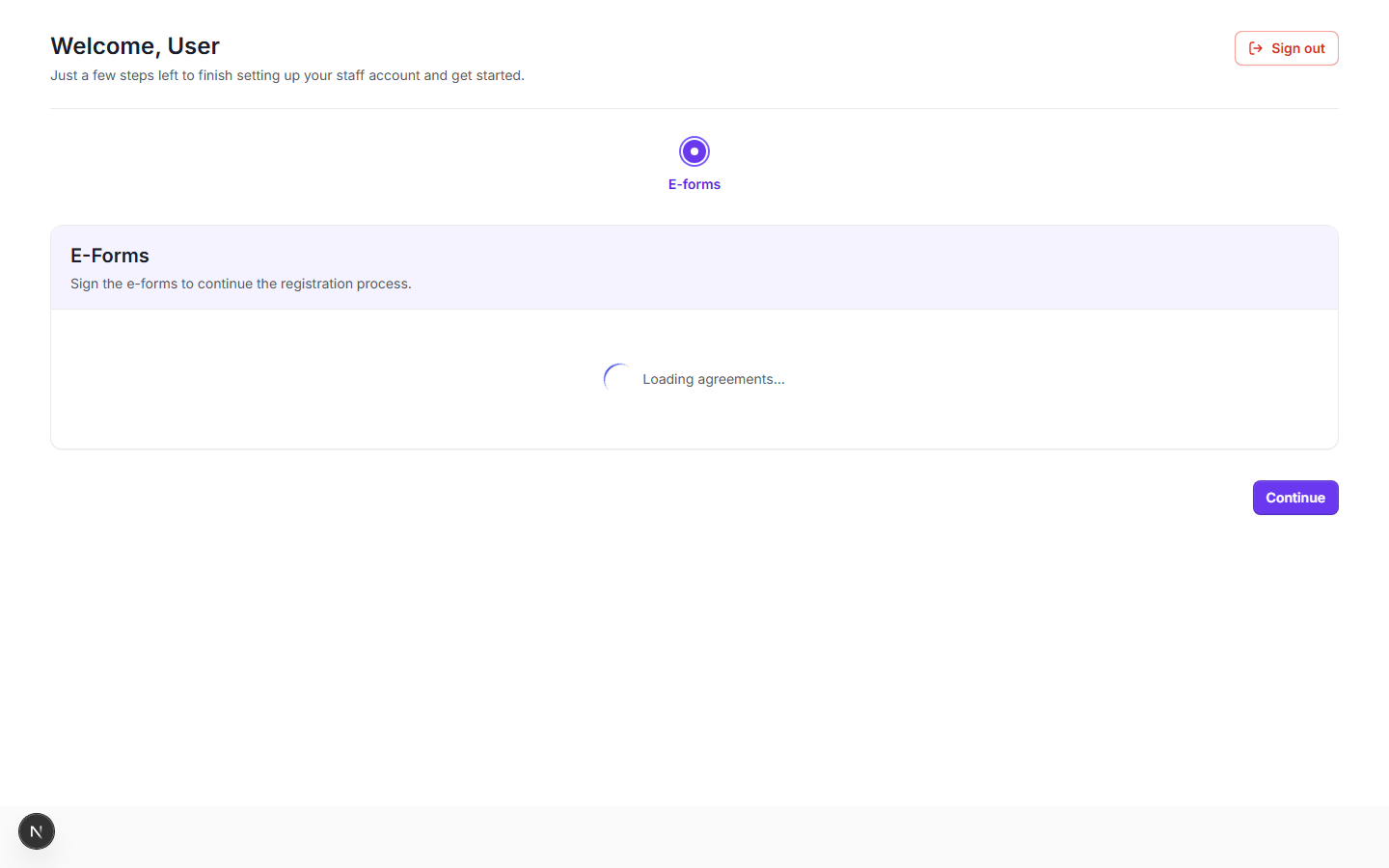
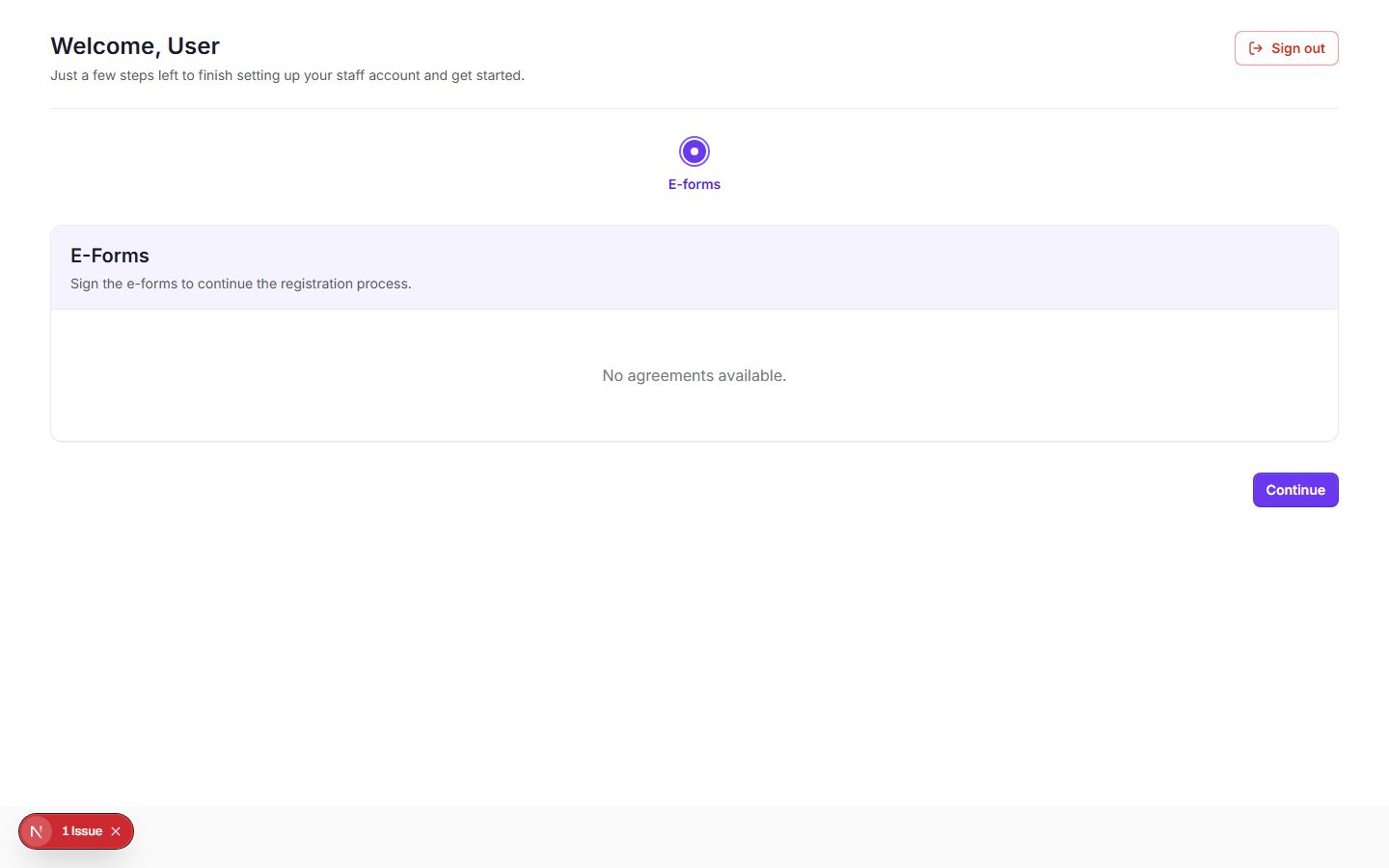
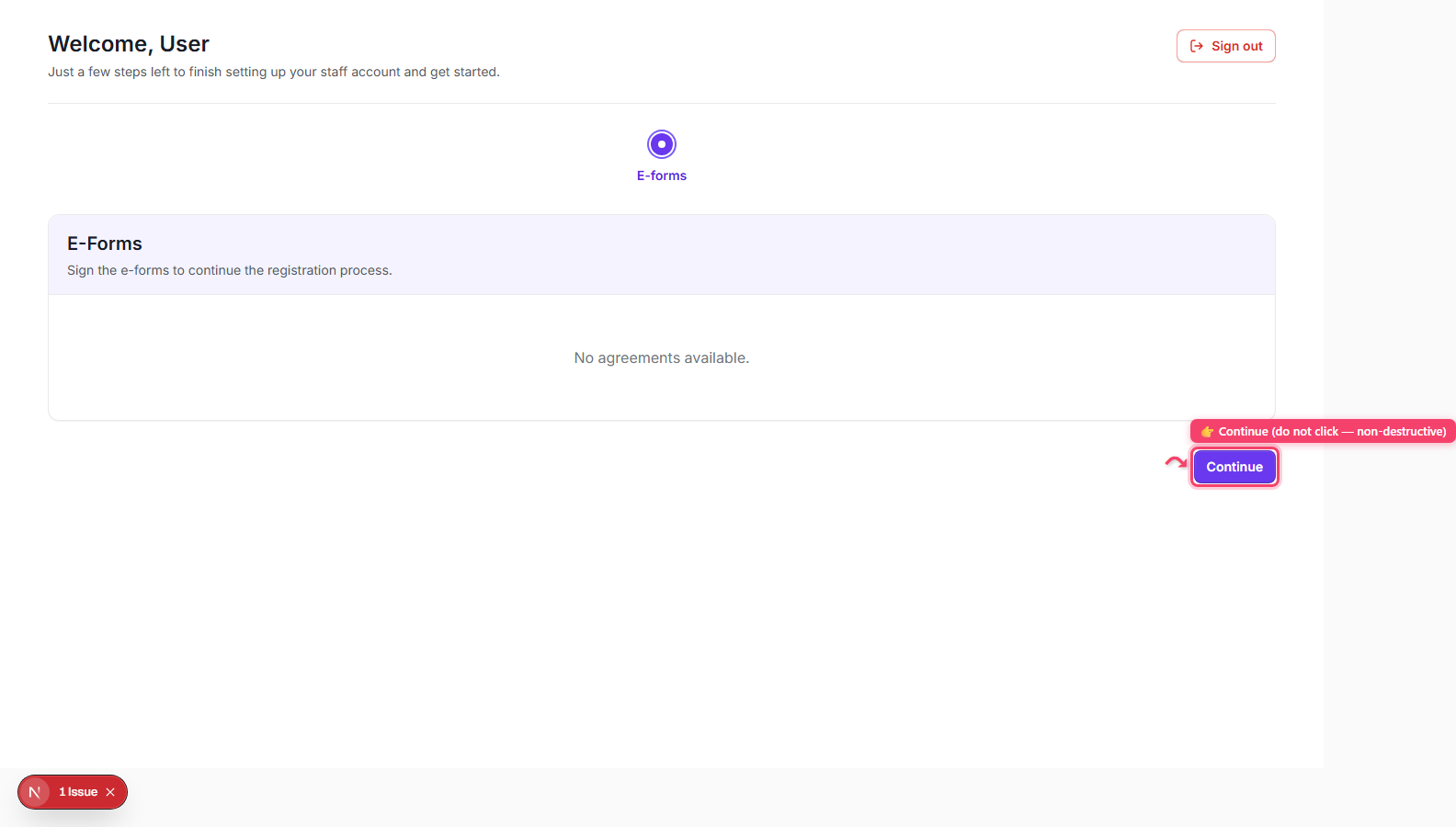
Step 1: This 'E-Forms' screen ('Sign the e-forms to continue the registration process.') is shown automatically right after an invited user's first login (or the tenant owner's own onboarding) whenever any compliance agreement is unsigned — it is not something you navigate to manually from the normal app nav.
Why must I sign agreements (BAA, confidentiality) before starting? — Step 1: This 'E-Forms' screen ('Sign the e-forms to continue the registration process.') is shown automatically right after an invited user's first login (or the tenant owner's own onboarding) whenever any compliance agreement is unsigned — it is not something you navigate to manually from the normal app nav.
Step 2: Each required agreement — e.g. 'Business associate agreement', 'Confidentiality agreement' — is its own card with a status badge: 'Pending' (amber) or 'Verified' (green, with a check icon).
Why must I sign agreements (BAA, confidentiality) before starting? — Step 2: Each required agreement — e.g. 'Business associate agreement', 'Confidentiality agreement' — is its own card with a status badge: 'Pending' (amber) or 'Verified' (green, with a check icon).
Step 3: On a Pending card, click 'Add signature' to open the signing modal (do not actually complete/submit a real signature — just note this is where signing happens).
Why must I sign agreements (BAA, confidentiality) before starting? — Step 3: On a Pending card, click 'Add signature' to open the signing modal (do not actually complete/submit a real signature — just note this is where signing happens).
Step 4: Once a card is Verified, its 'Download PDF' button becomes enabled so you can save a copy of the signed agreement.
Why must I sign agreements (BAA, confidentiality) before starting? — Step 4: Once a card is Verified, its 'Download PDF' button becomes enabled so you can save a copy of the signed agreement.
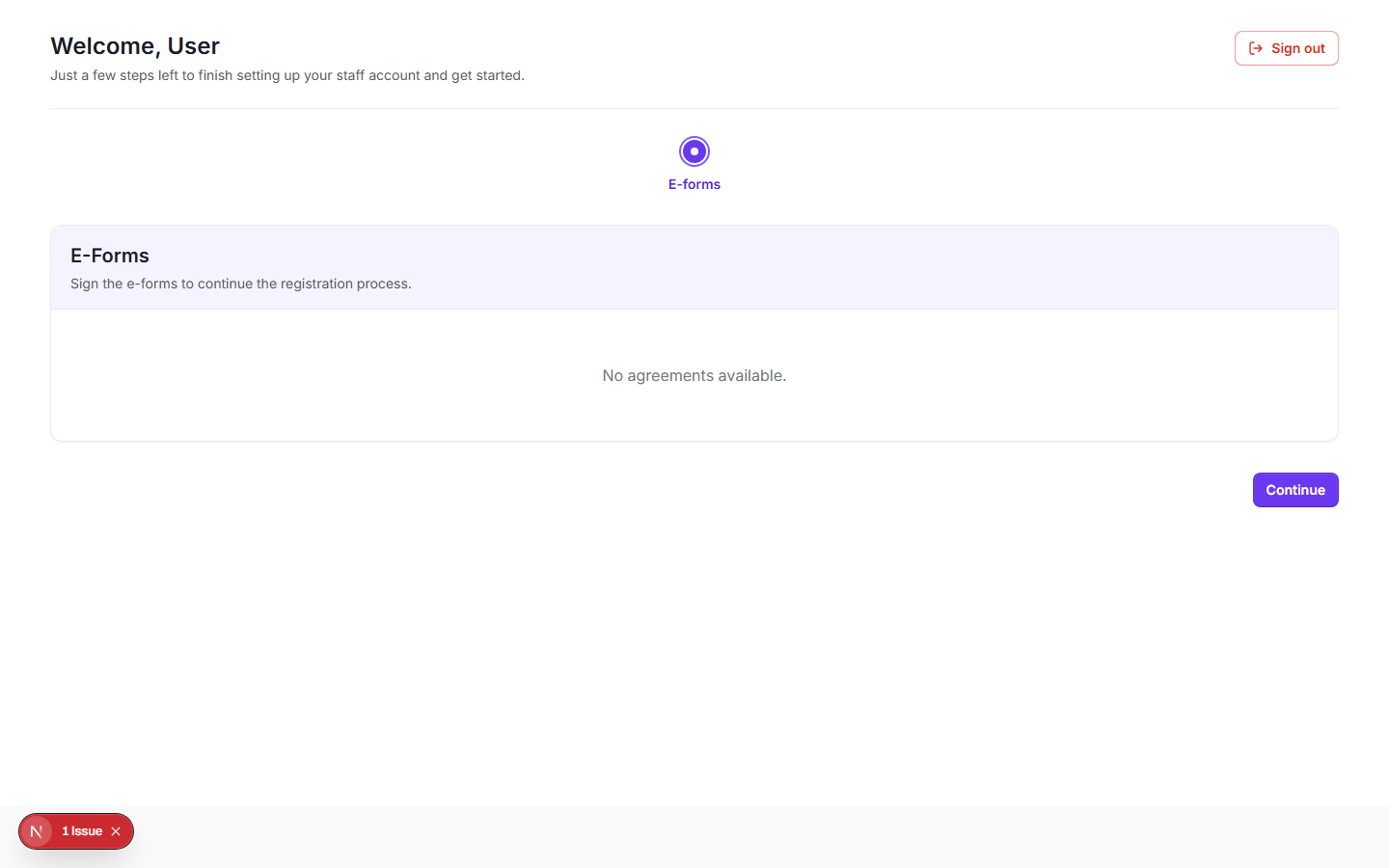
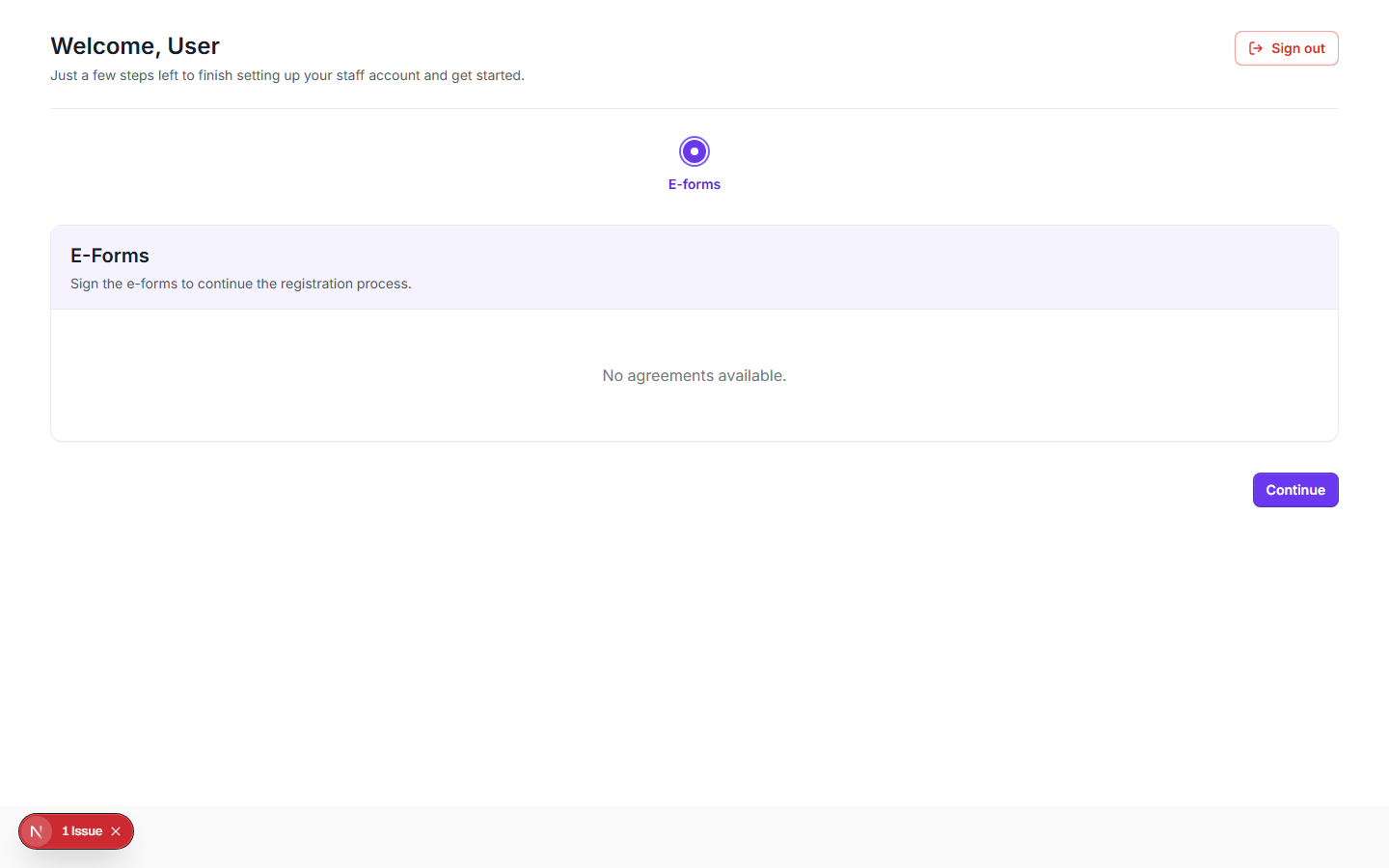
Step 5: The 'Continue' button at the bottom of the page stays disabled until every listed agreement shows 'Verified'; only then does clicking it advance you to the next onboarding step. If your clinic has no agreements configured at all, the card area just shows 'No agreements available.' and Continue is enabled immediately.
Why must I sign agreements (BAA, confidentiality) before starting? — Step 5: The 'Continue' button at the bottom of the page stays disabled until every listed agreement shows 'Verified'; only then does clicking it advance you to the next onboarding step. If your clinic has no agreements configured at all, the card area just shows 'No agreements available.' and Continue is enabled immediately.
Why must I sign agreements (BAA, confidentiality) before starting? · Wizlo Help